Freight Audit, Reconciliation & Payment Software India
Freight billing that closes itself.
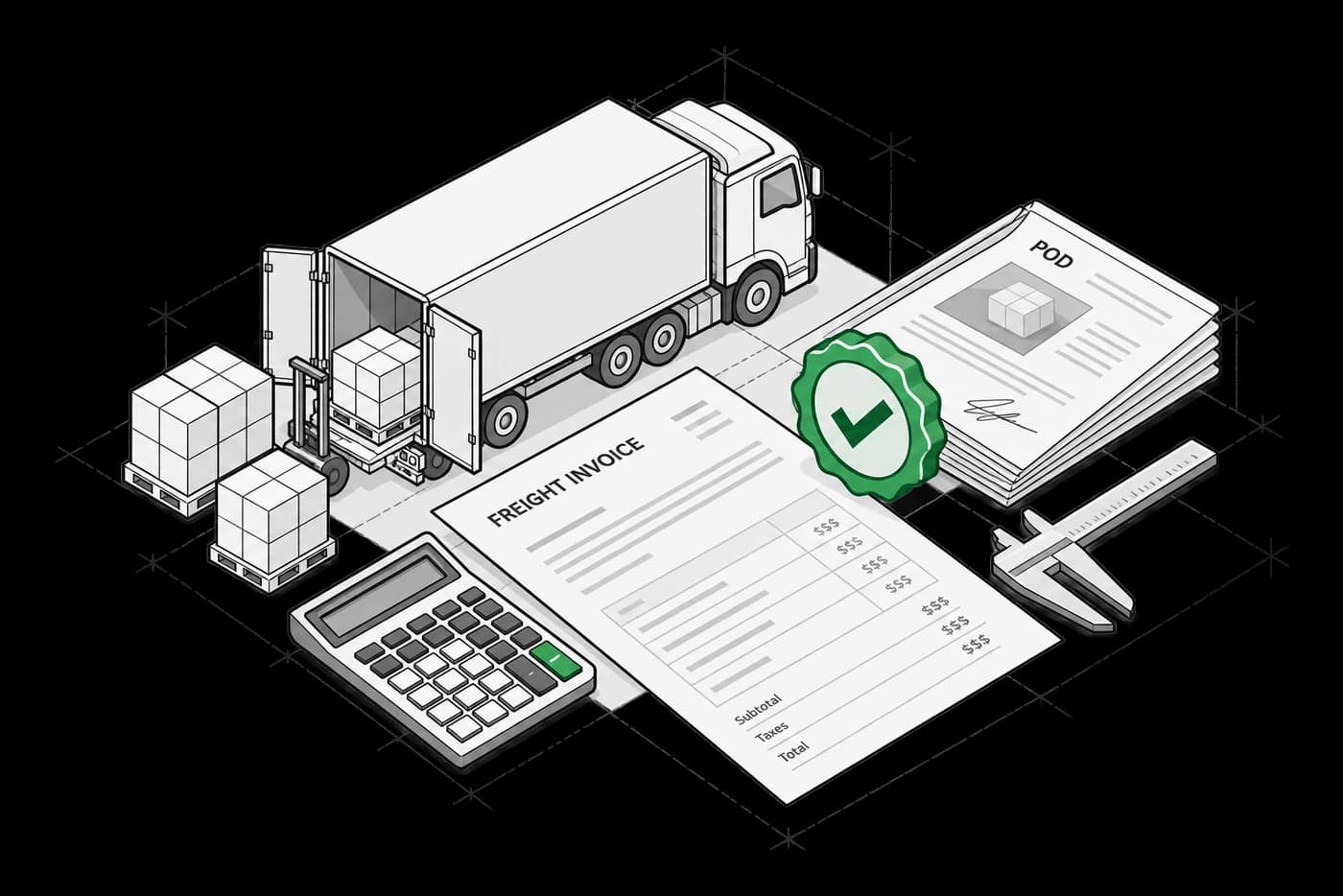
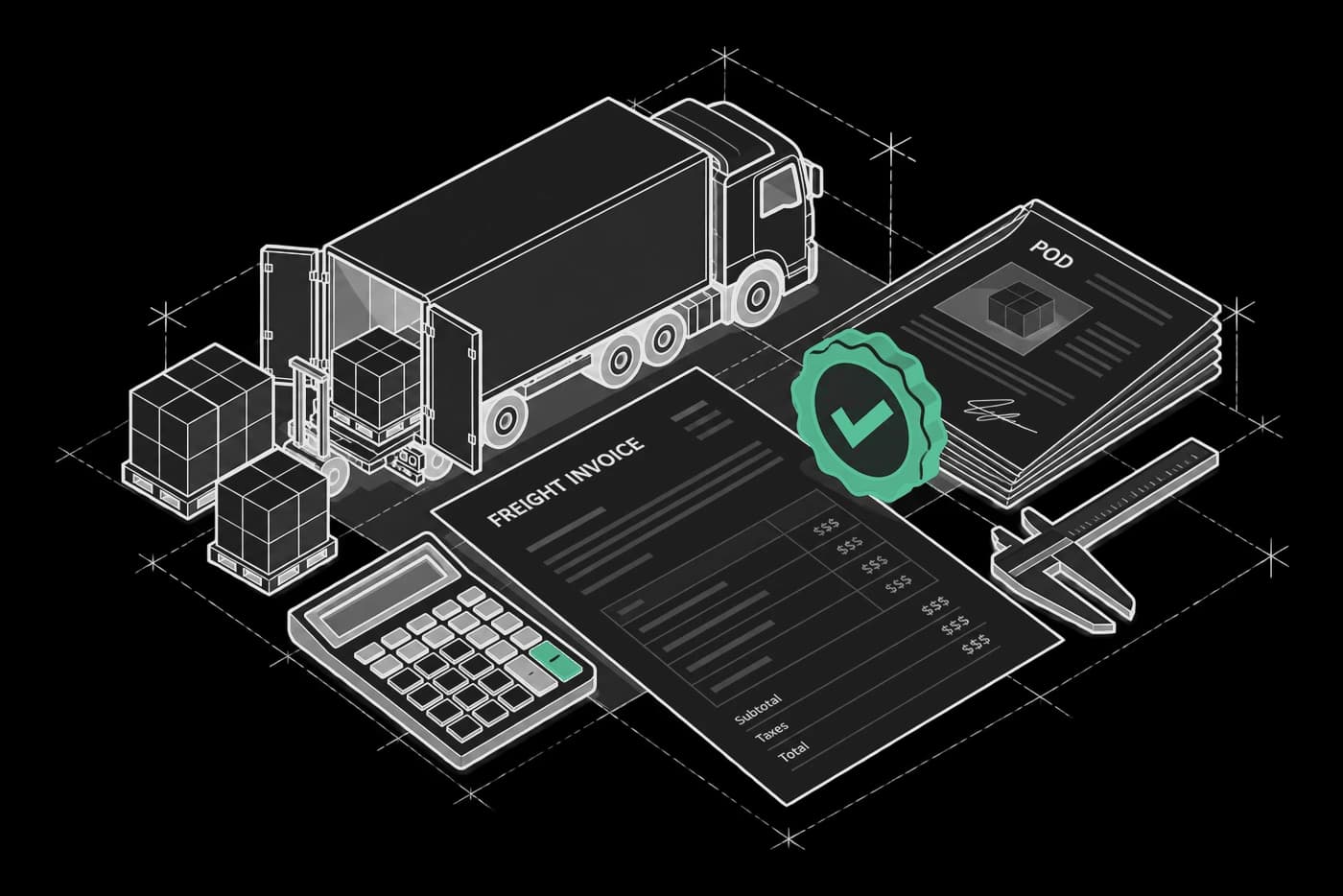
Enmovil's freight audit software is an AI-native freight settlement platform that ingests IOCL/HPCL diesel rate revisions, FASTag toll data via ULIP, and LR copy validations — and produces GST-compliant digital invoices with full TDS Section 194C audit trails, posted directly to your ERP without manual reconciliation.
See CADDIE answer itWhy manual freight billing fails at scale
Every day freight billing runs on spreadsheets, disputes go unresolved and working capital stays trapped.
Spreadsheets break under volume
A daily IOCL/HPCL diesel revision can invalidate dozens of in-progress bills at once. Errors propagate silently — reconciliation becomes a full-time job.
Email approvals create unauditable delays
Penalty decisions routed over email leave no audit trail. Finance can’t prove what was approved, by whom, against which rate version.
Billing cycles drift and overrun
Without system-enforced closure, freight bills accumulate in batches — weeks after delivery — straining MSME relationships and escalating disputes.
Disputes with no resolution path
With no captured calculation trail, ops teams answer disputes from memory. The transporter waits, the cycle closes late.
Enmovil replaces every manual step — delivery confirmation through ERP posting — with a structured, auditable, rules-driven closure workflow.
How freight audit software works — Confirm. Verify. Close.
A three-stage pipeline takes every shipment from confirmed delivery to a GST-compliant, ERP-posted invoice.
- 01
Confirm & capture
Delivery proof submitted via ePOD, API, or client OTP; the system locks the record and triggers LR copy validation before rate application.
- 02
Verify & adjust
Rate rules apply automatically — IOCL/HPCL diesel, FASTag toll via ULIP, deviation formulas, penalty/waiver decisions — all within configured parameters.
- 03
Close & post
GST-compliant invoice with TDS Section 194C applied is posted to your ERP; MSME payment timeline flags fire automatically.
Technical details · capabilities and constraints
- Diesel Surcharge Automation
- IOCL/HPCL source configured per route or transporter; daily revisions ingested and applied to in-flight bills using your surcharge methodology.
- So you canClose bills against the correct diesel rate — no manual rate-update task.
- FASTag Toll Integration
- Toll charges pulled via ULIP, reconciled against the vehicle's registered transactions per trip with challan visibility and GPS cross-check.
- So you canBill toll from verified, system-sourced data — not transporter-submitted figures.
- GST-Compliant Invoice Generation
- Digital invoice generated post-verification with forward/reverse charge applied; GST fields populated from rate contract and transporter registration.
- So you canSend compliant invoices to your ERP without a finance touchpoint per bill.
- TDS 194C & Compliance Handling
- TDS Section 194C deductions calculated at invoice generation; deduction log maintained per transporter for quarterly returns.
- So you canRemove manual TDS work and maintain a reconcilable deduction register.
- E-way Bill Reconciliation
- E-way Bill records matched against confirmed route and delivery; discrepancies and expired bills surface at verification — not during audit.
- So you canCatch e-way bill discrepancies before they become compliance issues.
Freight settlement software — Constraints configured once, applied automatically
Rate Configuration
- IOCL vs HPCL source per transporter or route
- Revision cycle frequency (monthly / quarterly / trigger-based)
- Multi-transporter rate contract version control
- Percentage-based or fixed-amount surcharge methodology
Deviation & Penalty Rules
- Predefined deviation formulas per type
- Penalty thresholds and waiver approval hierarchy
- Route deviation tolerance bands
- Escalation timelines for unresolved approvals
Compliance & Regulatory Configuration
- TDS Section 194C rate by transporter category and threshold
- GST forward/reverse charge per transporter profile
- E-way Bill reconciliation rules and discrepancy thresholds
- MSME payment timeline flags per eligible transporter category
ERP & Closure Optimisation
- ERP posting triggers (immediate vs. batch)
- Billing cycle close dates and roll-over rules
- At-risk bill alerts (days to cycle close)
- Transporter POD submission nudges
Ask your freight settlement platform anything — Caddie AI
Caddie reads live freight billing data — pending bills, dispute logs, diesel surcharge configs, ERP sync status — and answers in plain language.
From Billing Backlog to Closed Cycle — One Conversation
Caddie turns open billing data into closed-cycle decisions — no spreadsheets, no chasing POD.
SEE CADDIE + FREIGHT AUDIT SOFTWARE TOGETHER — Ask Caddie about your own billing backlog in a live demo →
What automated freight billing delivers for logistics & finance teams
3×
Faster billing cycle close
100%
Audit trail on every invoice
0
Manual reconciliation steps
0
Billing disputes without a logged resolution path
Live
ERP sync on every bill closure
Ranges seen across Enmovil deployments · your KPIs are set against your own baseline
Case studiesSee the results in production, by industryManual reality
BEFORE — Manual Freight Billing:
- Spreadsheet rate calculation
- Email approval chain for deviations
- Manual ERP entry per invoice
- Disputes with no audit trail
- Billing backlog reviewed in batches
With Enmovil
AFTER — With Enmovil Freight Audit Software:
- Delivery confirmed via ePOD or OTP
- Rate rules auto-applied (IOCL/HPCL, FASTag, TDS 194C)
- GST-compliant invoice generated
- Invoice posted to ERP automatically
- Disputes resolved in-platform with full log
The Operational Shift, Across Every Role
FOR LOGISTICS OPERATIONS MANAGERS
Confirmations, deviation flags, and billing status live in one workspace. LR mismatches and at-risk bills surface automatically — your team handles exceptions, not status-checking.
FOR FINANCE CONTROLLERS
GST-compliant invoices land in your ERP at bill closure. TDS 194C deductions log per transporter for quarterly returns, and MSME timeline flags prevent inadvertent statutory breaches.
FOR OPERATIONS LEADERSHIP
Cycle health, bill aging, and close rate available without pulling a report. Caddie surfaces at-risk bills and escalation backlogs proactively.
FOR TRANSPORTER PARTNERS
Diesel source, revision date, toll charges, and deviation formulas visible per bill. Penalty decisions carry reason codes. Faster closure means faster payment — MSME timelines included.
Trusted by industry leaders


Industries served
See all industries →
Automotive
Dispatch Planning

FMCG
Forecasting

Construction
Dispatch Planning

Industrials
Tracking & Visibility

Pharma
Tracking & Visibility

Oil, Gas & Energy
Dispatch Planning

Electrical
Tracking & Visibility

Telecom
Dispatch Planning
What buyers ask us first.
Asked in discovery calls, answered plainly.
A freight settlement platform that ingests IOCL/HPCL diesel rate revisions, FASTag toll data via ULIP, and LR copy validations — and produces GST-compliant digital invoices with full TDS Section 194C audit trails, posted directly to your ERP without manual reconciliation.
Adjacent logistics modules
New to the topic? Read the guide: What is freight audit and payment?
Put CADDIE over what you already run.
Nothing ripped out. Leave your work email and we’ll show you CADDIE on your own operation, in 15 minutes.