Truck load planning software for India, with a 3D load builder
Make the load fit. Before the truck arrives.
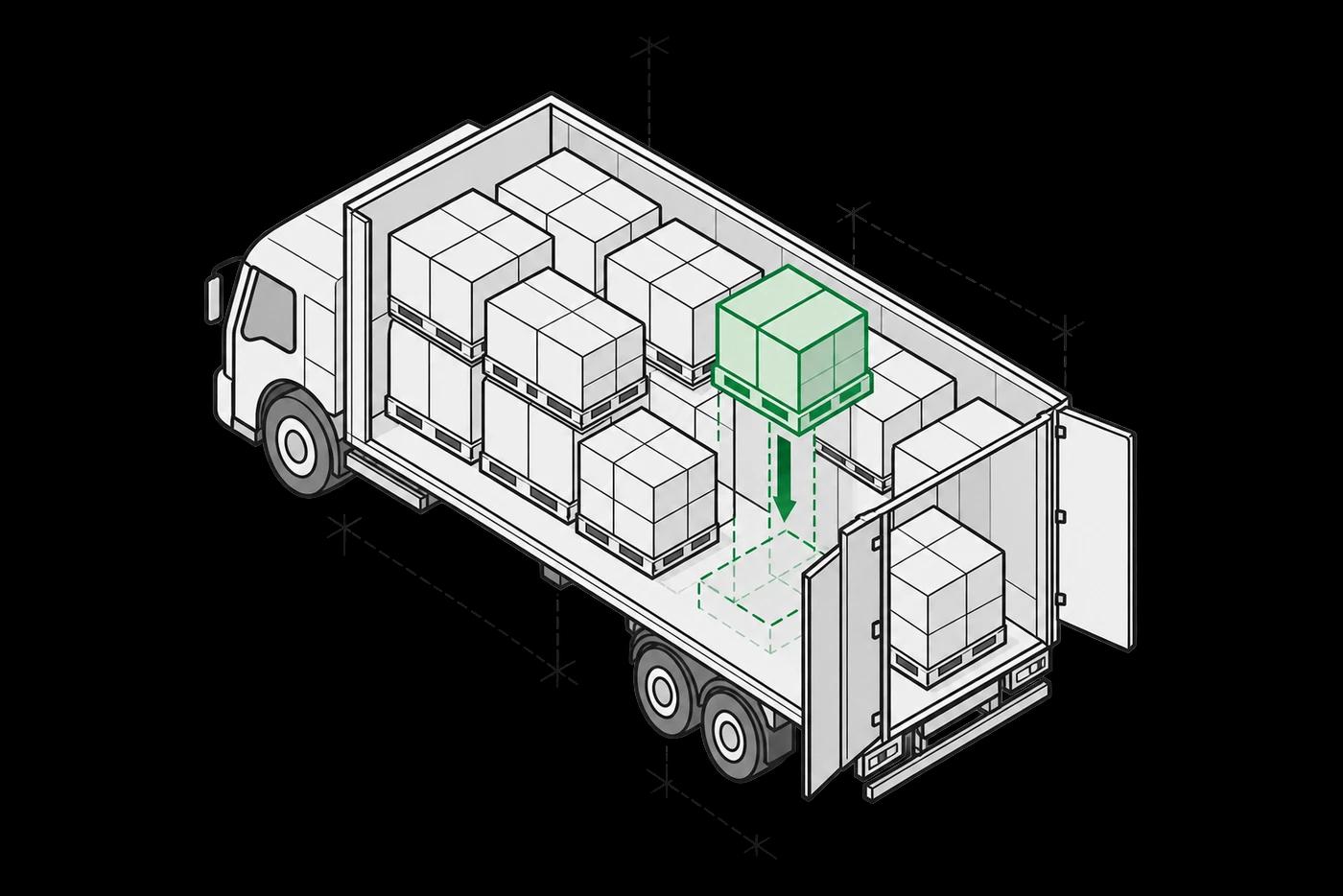
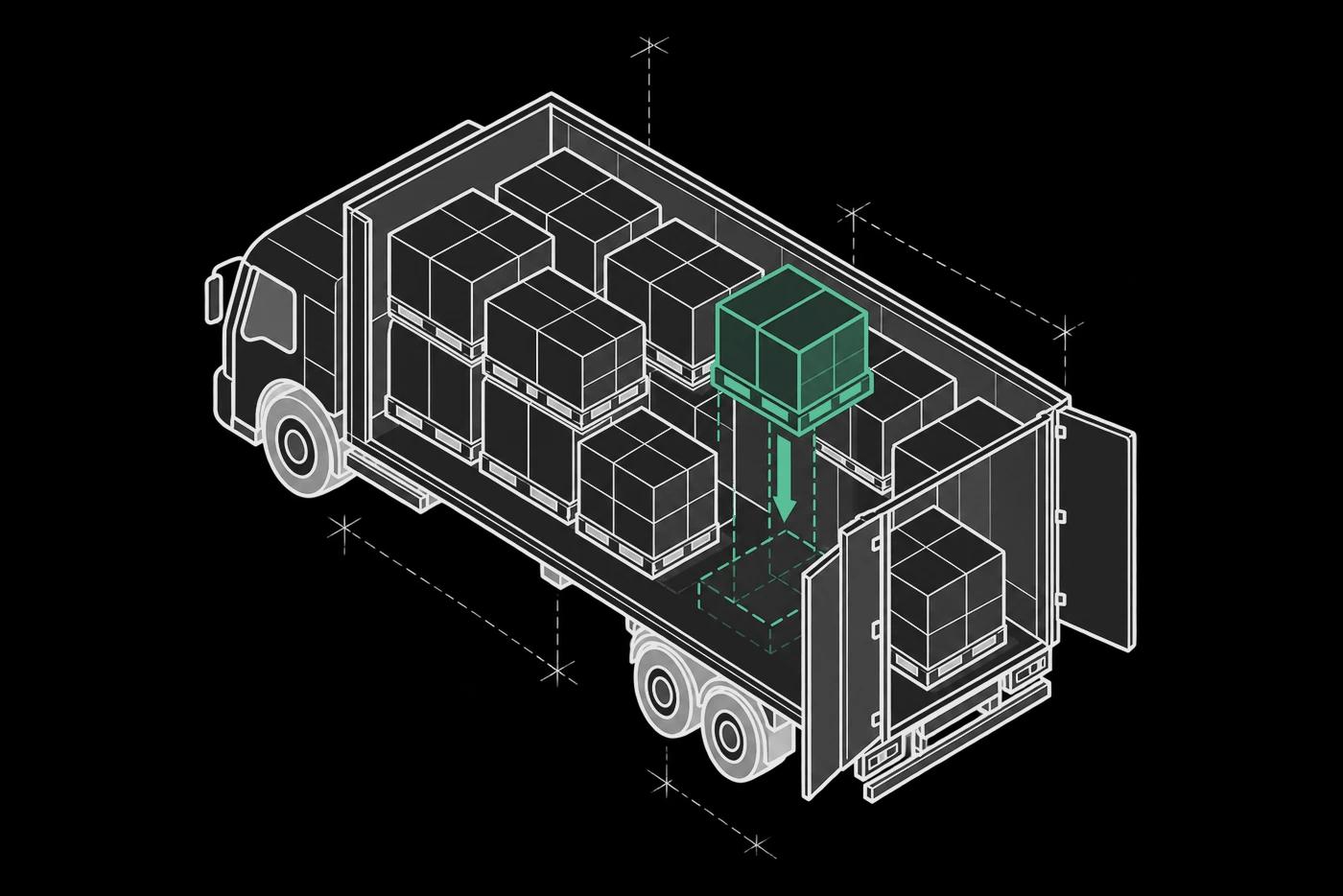
Enmovil’s 3D load planning software builds truck loads around dimensions, weight, axle distribution and delivery sequence, for Indian trucks and axle-load rules. Validate stacking and handling rules before releasing the plan to dispatch.
- 3D stacking plans
- Axle & handling checks
- Dispatch-ready allocations
The transport trade-offs
A load that fits on paper can still fail at the dock.
Check space, weight and unloading order together.
- 01
Plan in three dimensions
Build from actual item sizes, weights and vehicle bodies, not volume alone.
- 02
Respect the cargo
Apply stacking, fragility, compatibility and temperature-zone constraints.
- 03
Release a workable plan
Resolve load failures and truck splits before the loading team starts.
Inside the transport plan
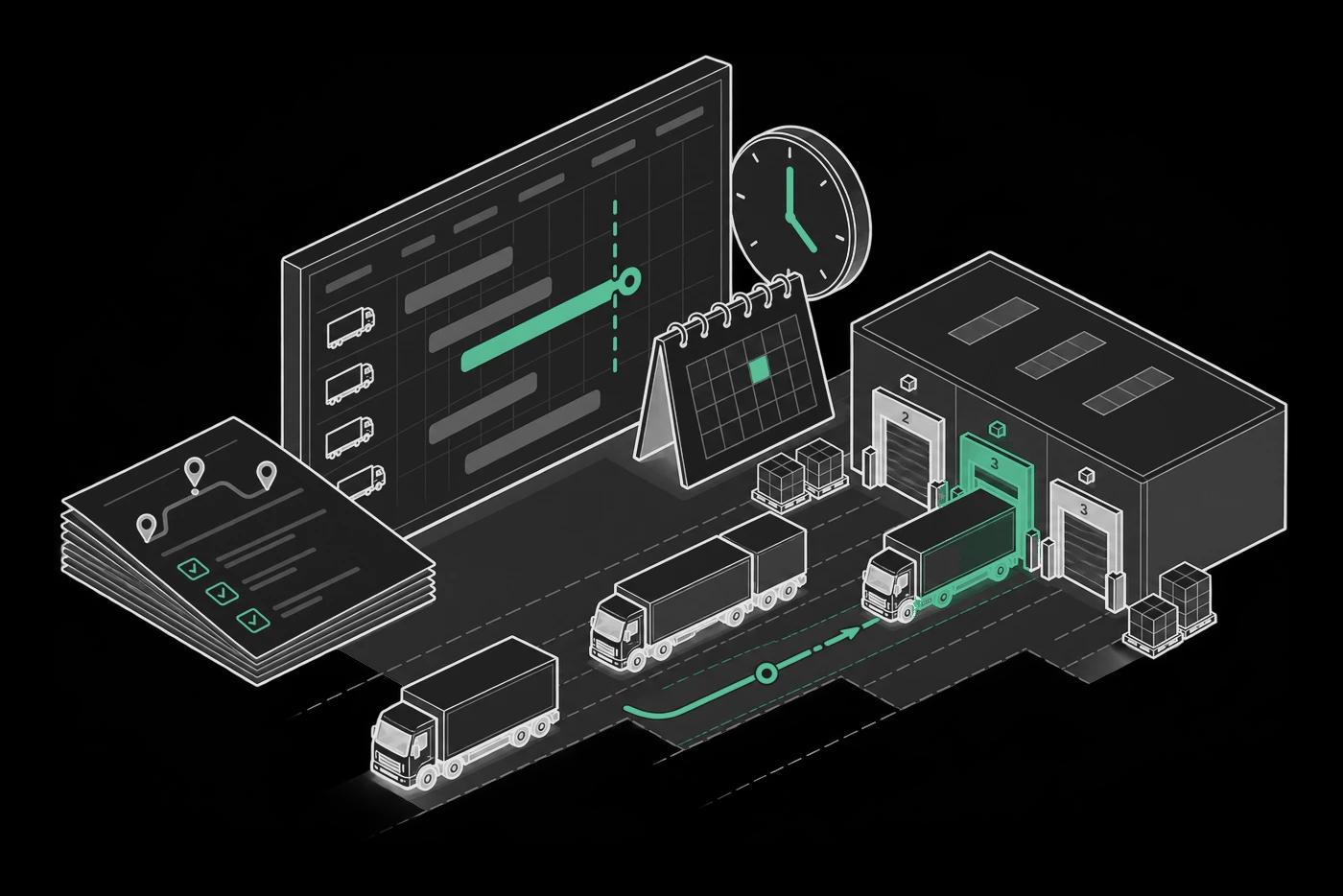
Inspect the load before dispatch.
Turn pick-ready orders into a validated 3D load plan and vehicle allocation.
The plan, made visible
A load plan the dock can work from
Technical details · capabilities and constraints
- Constraint-Aware Load Feasibility
- Every plan validated against eight physical and handling constraints simultaneously — before confirmation, not at the bay. Axle distribution checked against India's legal limits per truck body type. Cold chain and hazmat segregation enforced as hard constraints.
- So you canSend a load plan to the dock confident it fits, stacks safely, and clears axle, cold chain, and hazmat — no manual checks.
- Intelligent Multi-Truck Filling
- When one truck cannot absorb the shipment, the platform splits across vehicles — by capacity, priority, multi-drop sequence, and load compatibility. Best-fit selection manages overflow cleanly, with no dock-side additions.
- So you canEnd low-fill dispatches and dock-side truck additions — the split is set before trucks are called.
- Configurable Container Optimisation
- Packing sequence optimised by volume, weight, priority, or quantity. Gap filling and spacing applied per container. Min FTL VFR enforced per vehicle type while respecting stacking, fragility, cold chain, and hazmat. Multi-drop LIFO unloading configurable for urban and inter-city routes.
- So you canSet a utilisation floor per vehicle and have the platform hit it without trading off safety, cold chain, or axle limits.
- 3D Visual Load Plan with Full Traceability
- Each load rendered as a drillable 3D stacking view — click any unit for item, route, supplier, dimensions, and constraints applied. Planned vs input quantities, filled volume and weight, and VFR visible per run. Full load record kept per dispatch for freight disputes, damage claims, and audits.
- So you canKnow exactly what is in each truck and where it sits — before it leaves, with a record that holds up weeks later.
- Item & Configuration Management
- Item profiles — Box, Tyre, Cylinder — per SKU. Metric and Imperial. Multi-supplier, multi-route plans per run. Truck body profiles per vehicle. ERP, WMS, TMS integration or direct upload. Cold chain zones and hazmat segregation per SKU or item family.
- So you canApply the right rules to every SKU automatically — without reconfiguring constraints or overriding for regulated goods.
Cargo loading optimization software — Constraints configured once, applied automatically
Physical Fit Constraints
- Gross weight vs vehicle capacity
- Volume vs container interior (L×W×H)
- Dimension fit against truck body type
- Overhang and clearance limits per run
Handling & Sequence Constraints
- Axle load distribution for road compliance and penalty avoidance
- Stacking and orientation per SKU (horizontal, vertical, no-stack)
- Heavy-fragile placement governed by fragility index
- FIFO/LIFO unloading for multi-drop routes
- Mixed-SKU compatibility across shapes, weights, profiles
India Compliance Controls
- Axle load norms per truck body — Motor Vehicles Act limits per axle
- Overloading penalty avoidance — sized to legal limit before confirmation
- Cold chain zone separation — pharma and FMCG isolated per zone
- Hazmat segregation — class-based separation as hard constraint
- VFR floor enforced per vehicle type before dispatch
Fill & Utilisation Controls
- Min FTL VFR threshold per vehicle type
- Packing sort: volume, weight, priority, or quantity
- Gap filling and spacing per container
- Single and multi-container filling modes
- Multi-supplier and multi-route plans per run
3D Load Building with CADDIE
Question the plan
Identify failed load checks, fill-rate gaps and the changes needed before dispatch.

CADDIE
3D Load Building
Your question
Which load plans failed validation today and on what constraints?
CADDIE’s recommendation
Four plans failed: two rear-axle overloads on Mumbai–Pune loads, one oversized pallet on DEL-14 and one frozen/ambient zone conflict on BLR-09. Review the affected loads before release.
Exchange 01 of 04
Validate it on your lanes
Turn available capacity into a practical loading plan.
Evaluate the workflow against your own baseline.
- Vehicle fill
- Constraint failures
- Load-plan changes
A useful test for your demo
Use a real mixed-SKU load. Inspect weight distribution, fragile-product rules and unloading order, then confirm that a loading team can follow the plan.
Before you dispatch
3D Load Building FAQs
The practical questions, answered. For your systems, sites and operating rules, let’s walk through the details together.
What is load planning software for enterprise logistics?
Enmovil's 3D load planning software for enterprise logistics validates every load against India's axle load norms, truck body dimensions, cold chain temperature zone separation, hazmat segregation rules, and overloading penalty thresholds — then generates an execution-ready 3D stacking plan with optimised truck allocation and enforced vehicle fill rate (VFR) floors — built for high-velocity outbound, mixed-SKU loads, and multi-drop delivery routes across any road network.
How does Enmovil's 3D truck loading software work?
Four stages. Inputs structured from ERP, WMS, or direct upload — item profiles, dimensions, weights, handling constraints, cold chain, multi-drop route codes. All eight constraints validated together — gross weight, volume, dimension fit, axle distribution, stacking and orientation, fragility, FIFO/LIFO, mixed-SKU compatibility. Loads split across vehicles when one truck cannot absorb the shipment, with VFR floor enforced before split. A 3D stacking plan per vehicle — drillable to pack level — hands off to dispatch planning.
What is vehicle fill rate (VFR) optimisation in 3D load building?
VFR optimisation makes every truck meet or exceed a configurable minimum fill threshold before dispatch. Enmovil enforces a Min FTL VFR floor per vehicle type — blocking low-fill dispatch while respecting stacking, fragility, axle, cold chain, and hazmat together. When a load is below floor, the platform finds compatible pending orders and checks whether adding them clears the floor without triggering a constraint failure. The 20%+ VFR lift in live deployments comes from applying this on every run.
How does Enmovil's load optimization software handle axle load compliance and overloading penalties?
Axle load compliance lives in the constraint validation layer, not a post-plan review. Truck body profiles and legal axle limits per truck type are configured once and applied on every run. The platform validates weight across front, mid, and rear axles with every other constraint — a load exceeding rear-axle limit is never confirmed, regardless of VFR or volume. When a violation hits, Caddie names the items causing the imbalance and models the redistribution — turning a dock-stage discovery into a plan-stage correction.
What is Caddie AI in Enmovil's 3D load building platform?
Caddie reads live load plan data — violation types, axle distribution, VFR gaps, cold chain flags, truck split status, dispatch readiness. It identifies which loads failed and on which constraints, models item-level fixes for axle redistribution or fragility reordering, applies the fix and revalidates all 8 constraints, finds compatible pending orders for below-floor loads, adds them and revalidates, then notifies dispatch planning — all in one conversation.
How does 3D load planning differ from route planning?
Route planning chooses the stops and travel sequence for a vehicle. 3D load planning decides how the products fit inside it while respecting dimensions, weight and handling constraints. The delivery sequence connects the two: products needed at an earlier stop must remain accessible.
Warehouse Management
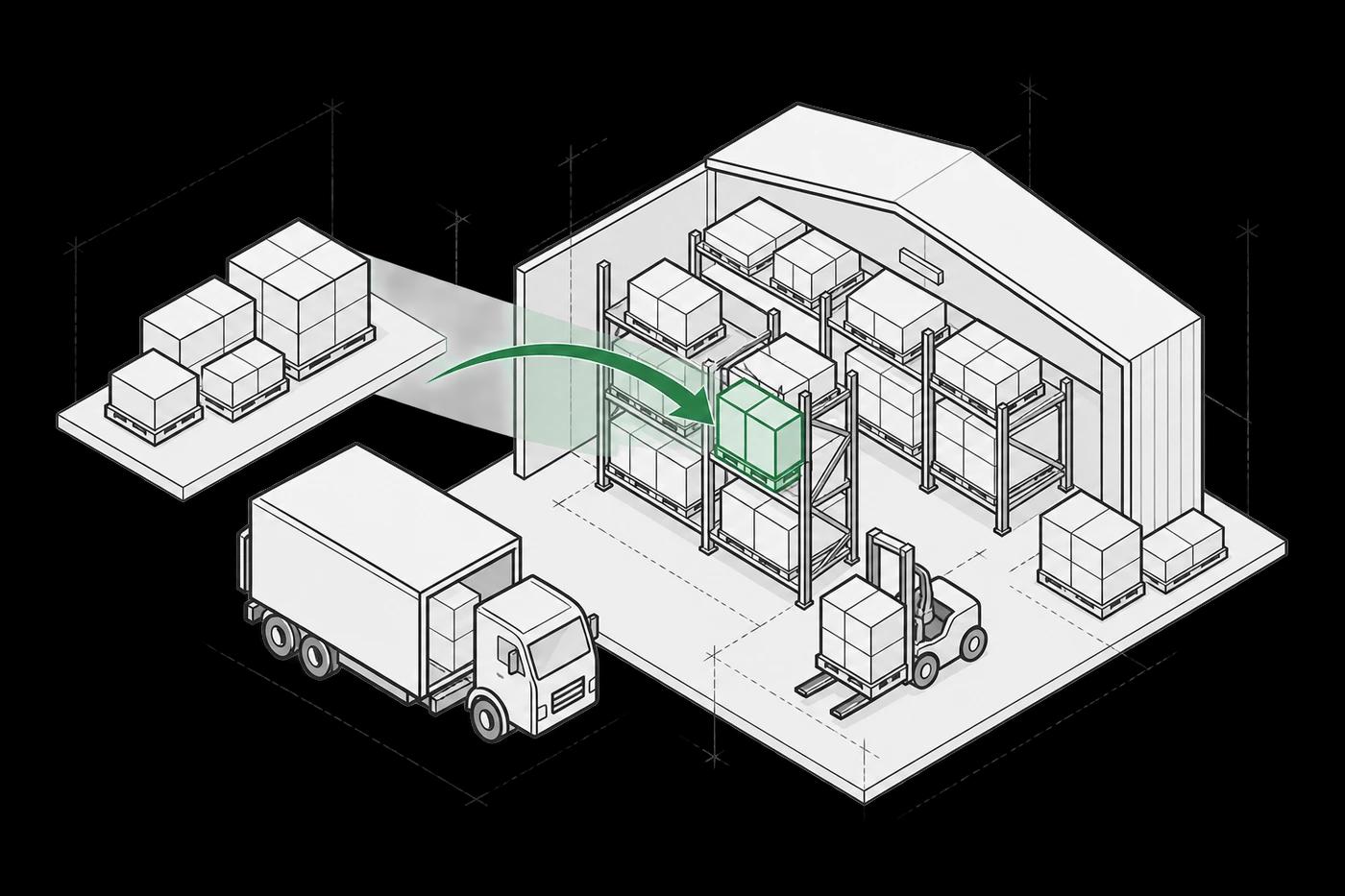
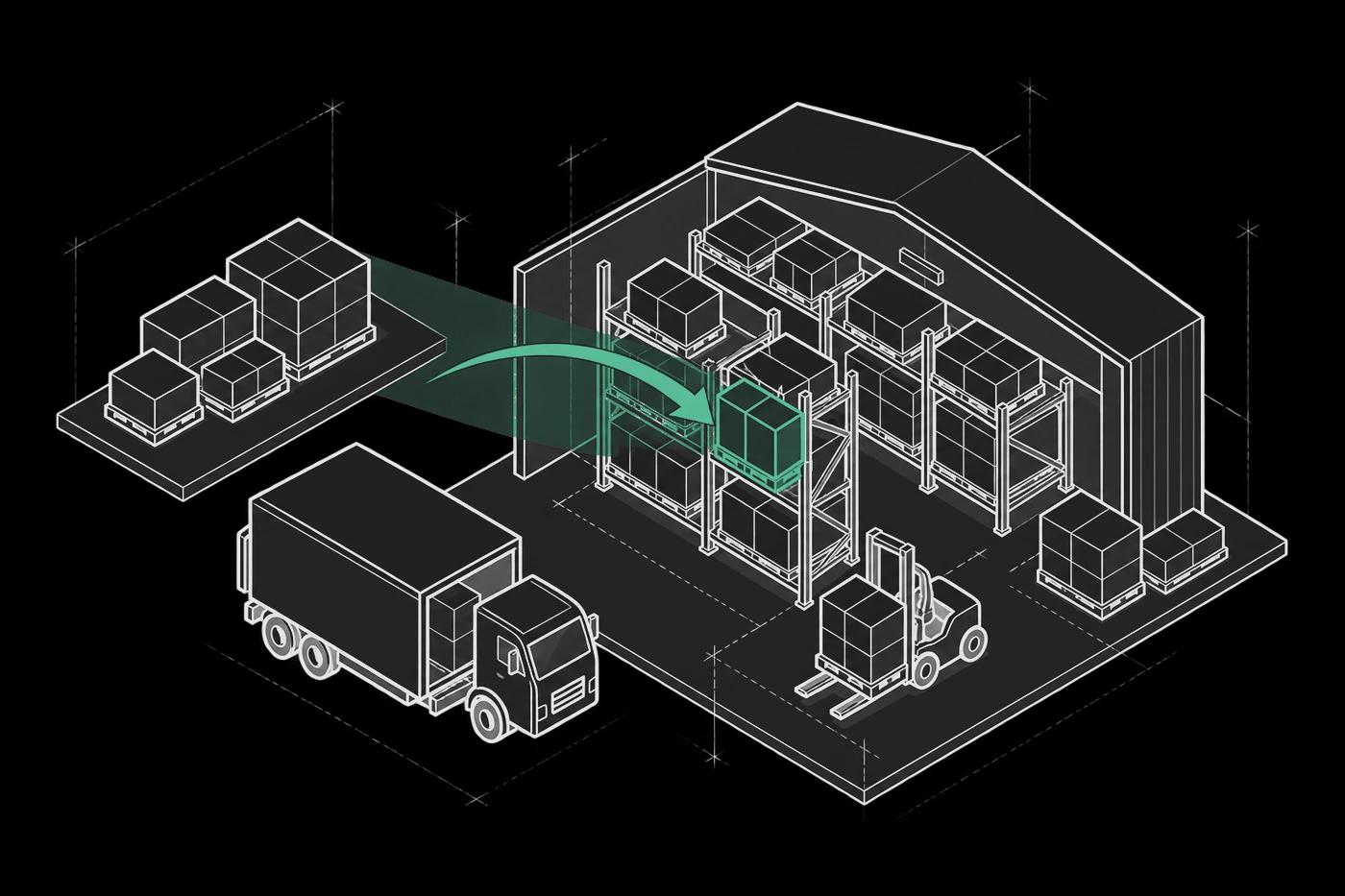
Connect receiving, storage and fulfilment in one warehouse workflow.
Explore solution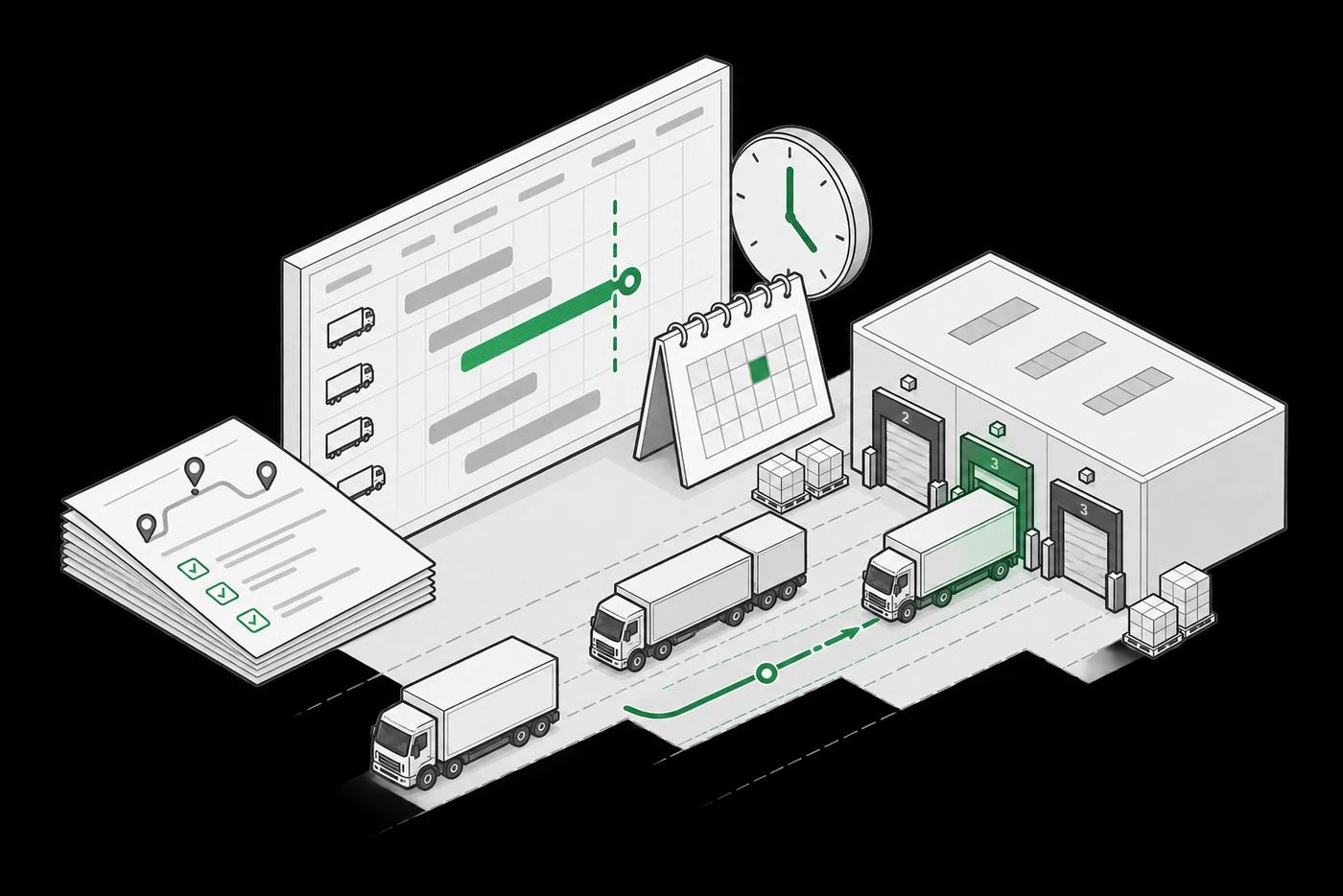
Dispatch Planning
Compare cost, capacity and service before releasing a dispatch plan.
Explore solution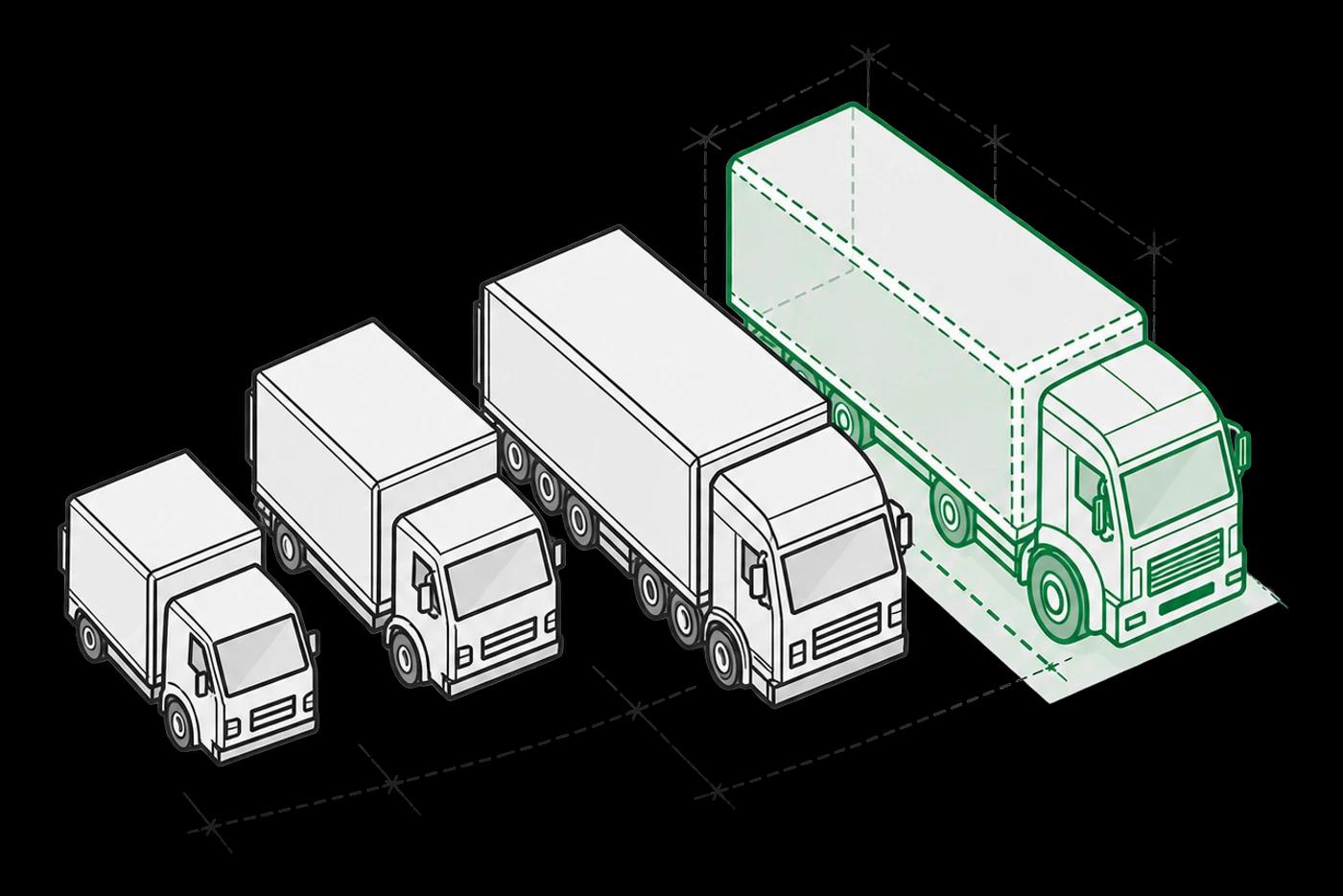
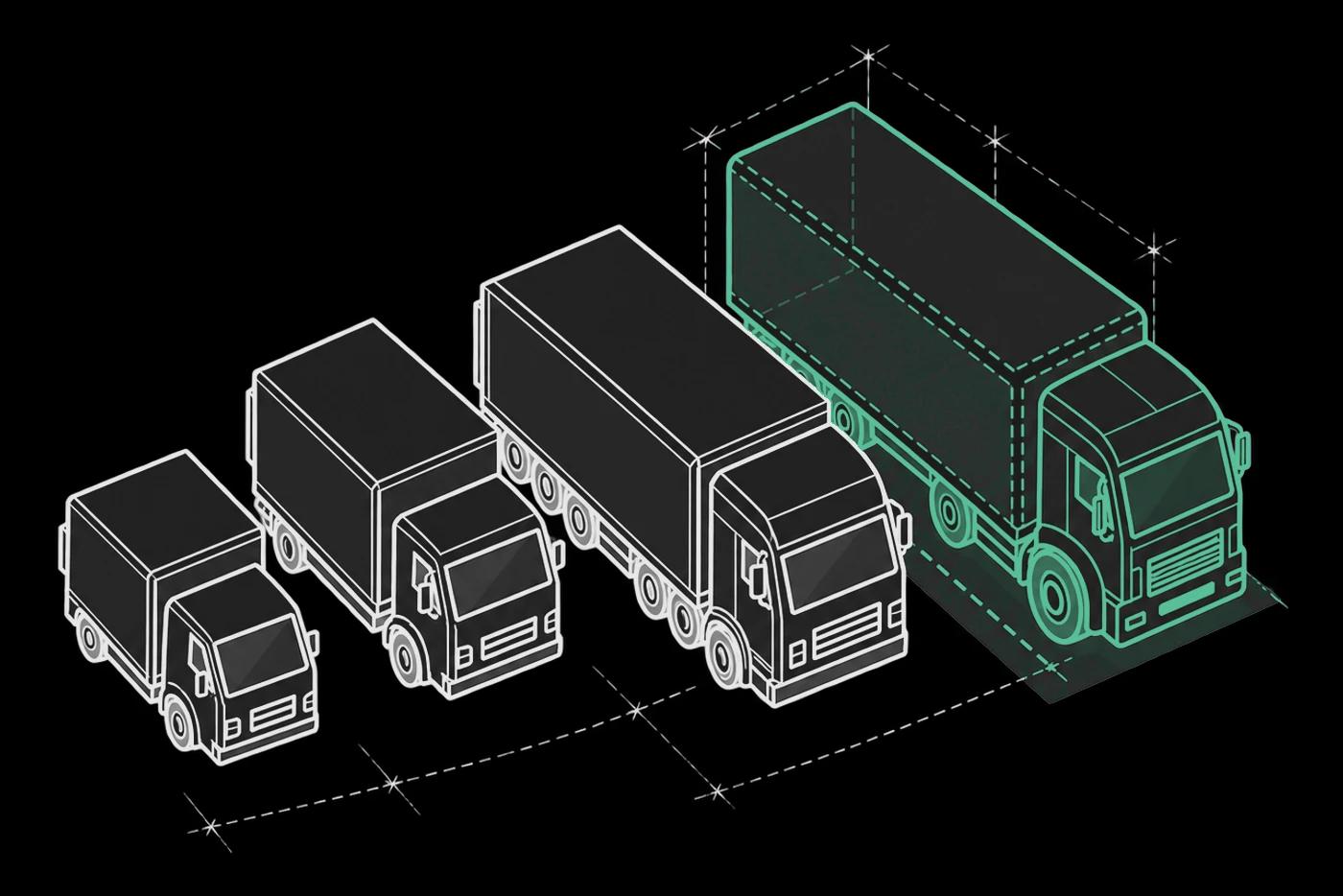
Fleet Sizing & Allocation
Size the fleet against demand before committing transport capacity.
Explore solution
Looking for the fundamentals? What is dispatch planning and route optimization?
See how your mixed-SKU load fits.
Explore 3d load building around your data, operating rules and priorities. Tell us where you want to start.